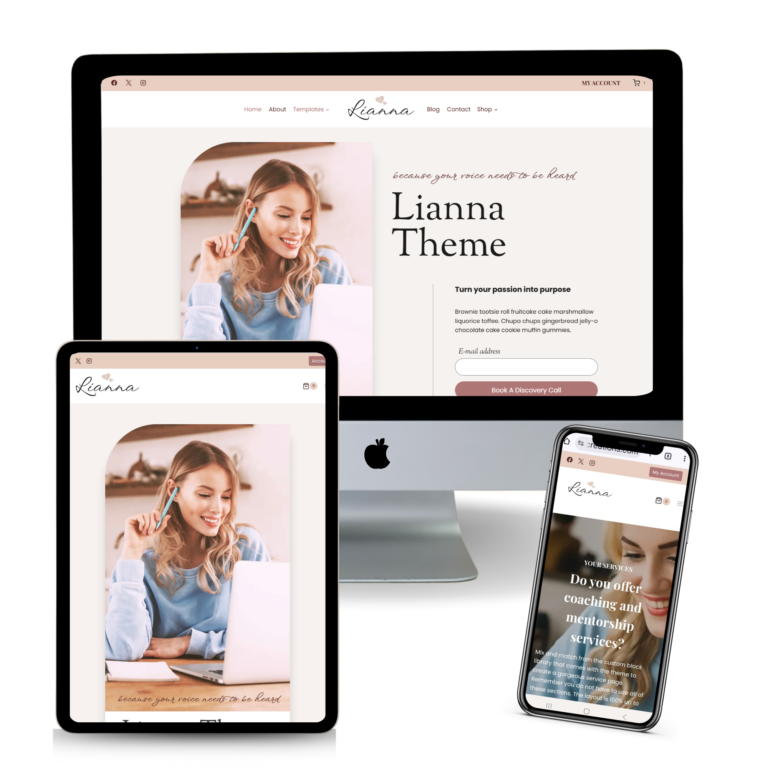
Lianna | Navigation Menus
After you install Lianna and import the demo content, it is very important to set up your navigation menus. Lianna have the (4) navigation menu location
- Primary – the menu on the right side of the logo
- Secondary – the menu on the left side of the logo
- Mobile – the menu that you can see in mobile devices only
- Footer – the menu at the bottom of your website
PRIMARY NAVIGATION
- In your WordPress dashboard, go to APPEARANCE >> MENU
- Click Create a New Menu. Give your menu a name (such as “Main Menu”) and click Create Menu. If you installed the demo, there are pre-created menu items. Right Menu is set to PRIMARY.
- Add the pages/categories you want to have in your primary navigation menu.
- At the bottom of the page, under Menu Settings, select Primary. Save Menu.
SECONDARY MENU
- In your WordPress dashboard, go to APPEARANCE >> MENU
- In the Lianna demo, the menu assigned to secondary menu is named LEFT MENU
- Add pages/categories that you want in your secondary menu which is located on the left side of the logo.
- At the bottom of the page, make sure Secondary is selected. Save Menu.