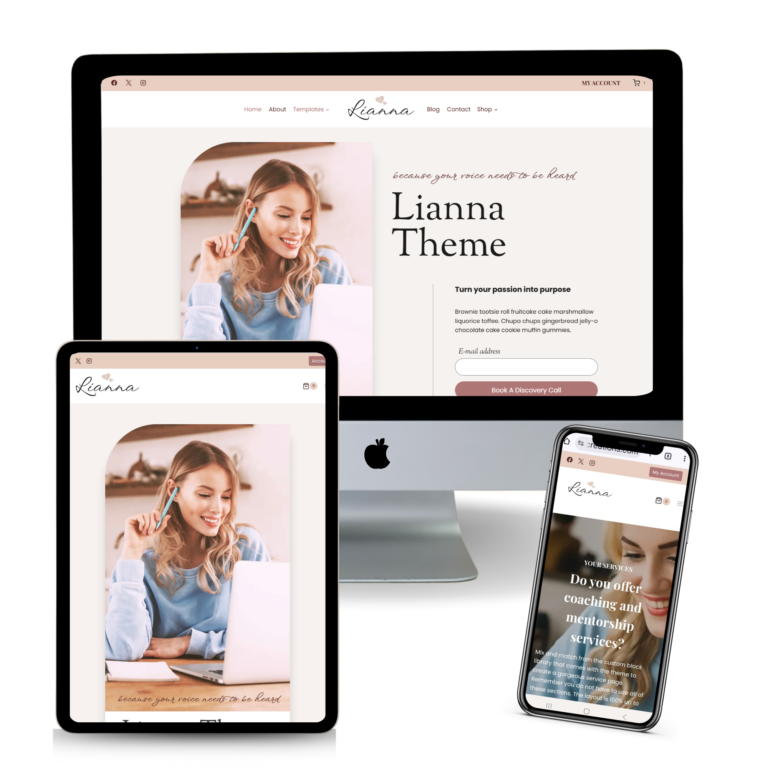
Lianna | Header & Logo
The header is one of the most important parts of your website — it includes your logo, main menu, mobile menu, and important links.
Lianna is built on the Kadence framework, which makes header customization very easy, even if you’re a total beginner.
Follow this quick tutorial to change your logo, adjust spacing, edit the menu, and style the header to match your brand.
1. Open the Theme Customizer
Go to your WordPress dashboard
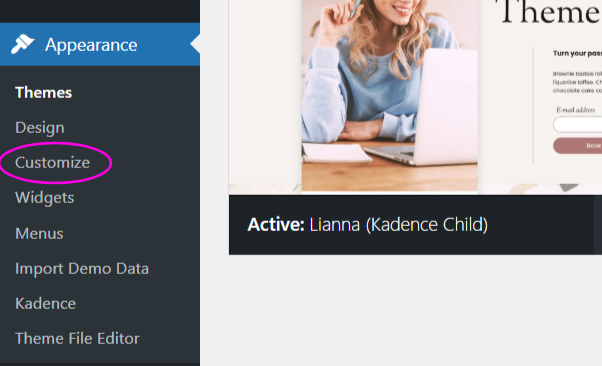
Navigate to: Appearance → Customize
Once the Customizer opens, click: Header
2. Replace the Logo
The Lianna default logo is set on the “MAIN ROW” of Kadence Customizer. It is in the middle of the Left Menu and the Right Menu. The recommended width for the logo, if you are using the Lianna theme is a maximum of 250px.
The font that was used for the Lianna Logo in the demo site is a free font called “Windsong”